After eight hours of debugging race conditions or optimizing database queries, the last thing I want to do is write more “serious” code. But somehow, I always end up back at the keyboard — not building features or fixing bugs, but making things that move and glow and shift and breathe.
No Requirements, No Deadlines
The magic of creative coding is the absence of stakeholders. No one is waiting for your generative art to ship. There’s no ticket to close, no PR to review, no deploy to monitor.
You just… play.
for (let i = 0; i < 200; i++) {
  const angle = i * 0.1;
  const radius = i * 0.8;
  const x = centerX + Math.cos(angle) * radius;
  const y = centerY + Math.sin(angle) * radius;
  drawCircle(x, y, 3, `hsl(${i * 1.8}, 70%, 60%)`);
}
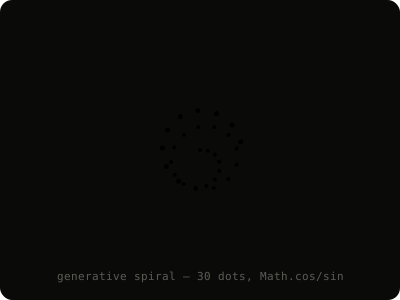
Thirty seconds of code, and you’ve got a spiral of colored dots. Tweak one number and it becomes something completely different. It’s immediate, visual, and endlessly surprising.
The Meditative State
There’s a specific mental state I enter when creative coding. It’s similar to what musicians describe when improvising — a flow state where you’re not thinking about the code, you’re thinking through it.
You stop planning and start responding. “What if I add noise to the y-coordinate?” “What happens if particles repel each other?” “What if the color is a function of velocity?”
Each question leads to a visual answer in milliseconds. The feedback loop is so tight that the boundary between intention and result dissolves.
What It Taught Me About Production Code
Surprisingly, creative coding has made me better at my day job:
- Simplicity: The best generative art comes from simple rules producing complex behavior. The same is true for good software architecture.
- Experimentation: When there’s no cost to failure, you try more things. I’ve brought that willingness to experiment back to my production work.
- Performance intuition: When you’re animating 10,000 particles at 60fps, you develop an instinct for what’s expensive and what’s cheap.
Getting Started
If you’ve never tried creative coding, start small. Open a canvas element, draw a circle, make it move. Then make ten circles. Then make them interact with each other.
You’ll be surprised how quickly “just playing around” turns into something beautiful.